Guide 10 of 12
Mobile layout and gestures
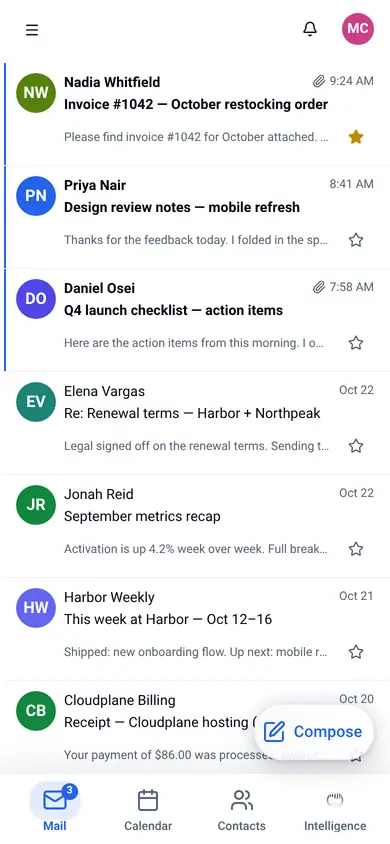
Use Akera on a phone: the bottom utilities bar, message preview and gestures.
Common tasks
Switch utilities
The bottom utilities bar switches between Mail, Calendar and Contacts.
Open and clear messages
Open a message in the preview panel. Swipe gestures help clear lists.
Refresh
Pull down on a mail list to refresh it. Toolbars stay compact on small screens.
Need help with something else? Contact support.